Current
Verify the source record, not a marketing URL.
A Fenwix report QR does not need to point at a web page. It carries the report's identity, revision, completion time and digest, and it is checked against the source inspection record itself.
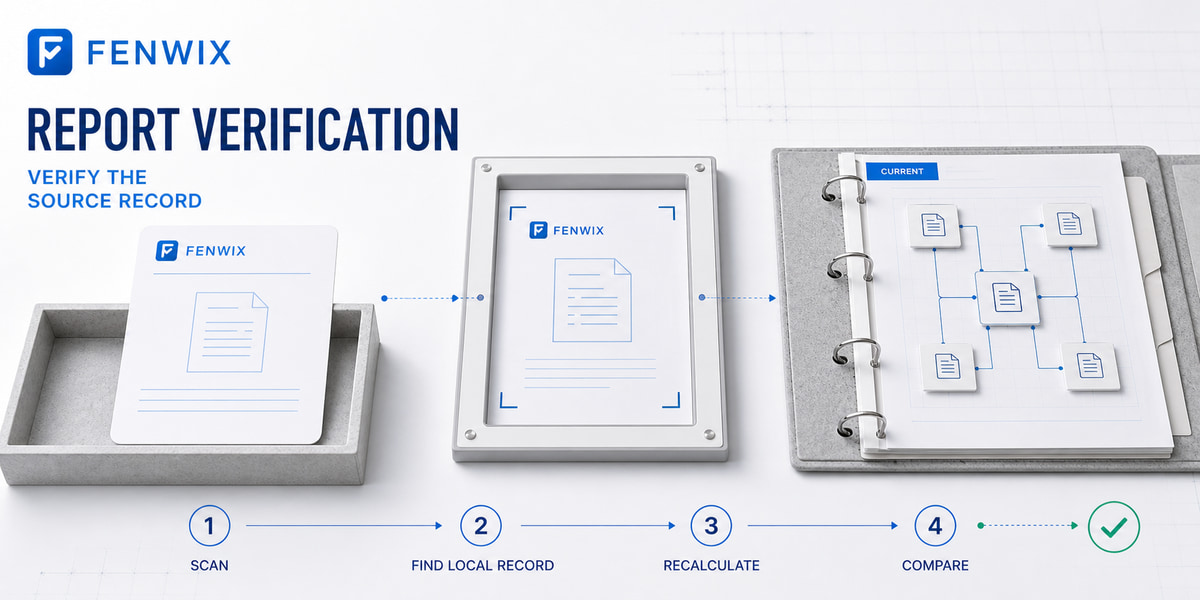
The verification flow
Scan Fenwix QR
      ↓
Find source record on device
      ↓
Recalculate verification digest
      ↓
Recheck linked photo evidence
      ↓
Compare
      ↓
Show source-record values + result
Possible results: match, does not match, record not found on this device, not a Fenwix code, plus an evidence missing/changed indicator where applicable.
The boundary, stated plainly
- The verifier verifies the source inspection record
- It does not guarantee that a printed page or PDF file was never edited elsewhere
- That is why the screen shows the record's actual values, score, findings, identity, for side-by-side comparison with the document in hand
Where this goes next
In a future shared-storage mode, verification gains reach: another authorized device in the same customer workspace can verify a colleague’s report. In an enterprise deployment, a customer can run a verification endpoint in its own domain via Customer Relay. A vendor-hosted public verification page is not a required part of this architecture, and a public QR will not expose confidential inspection content.